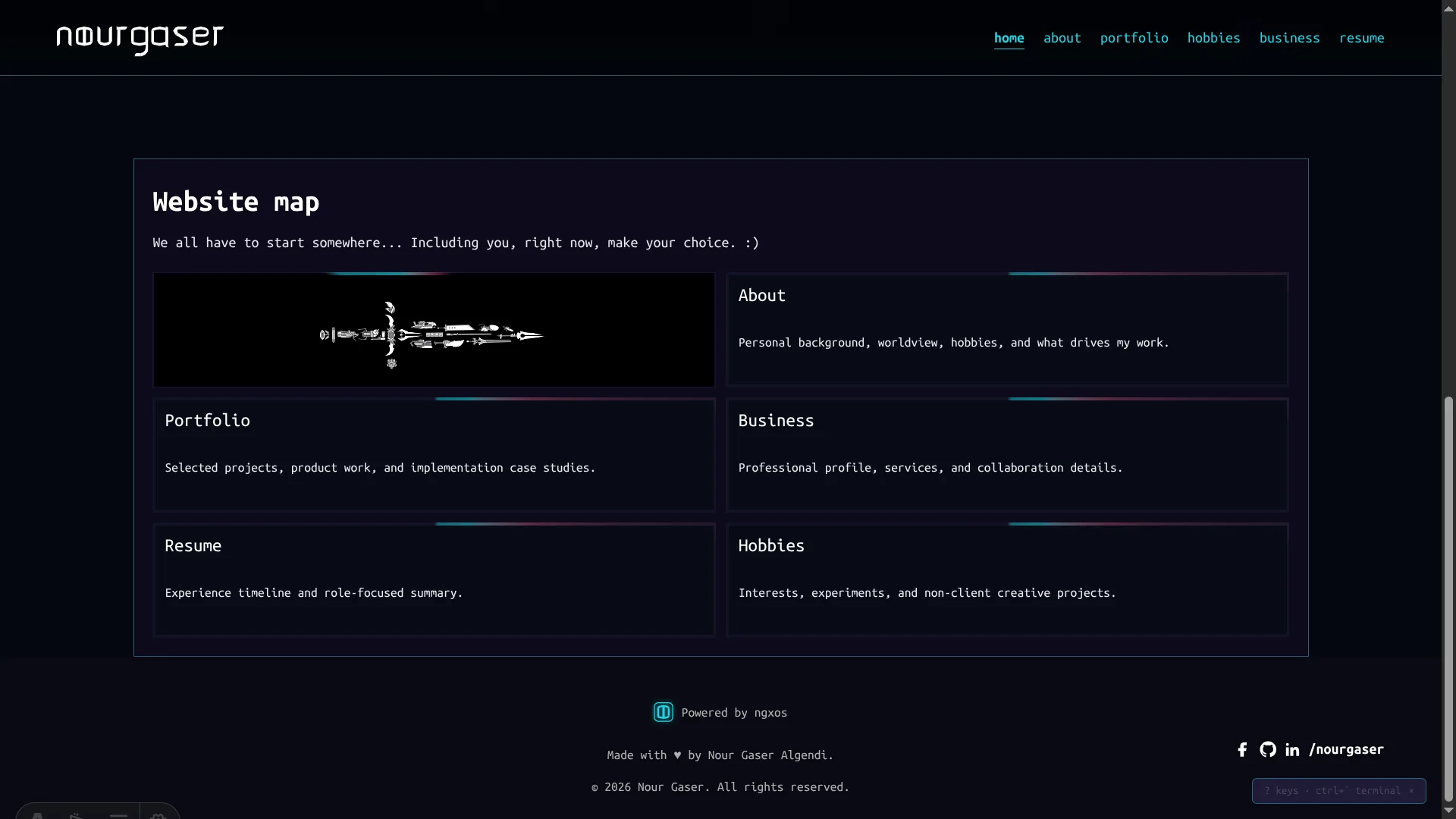
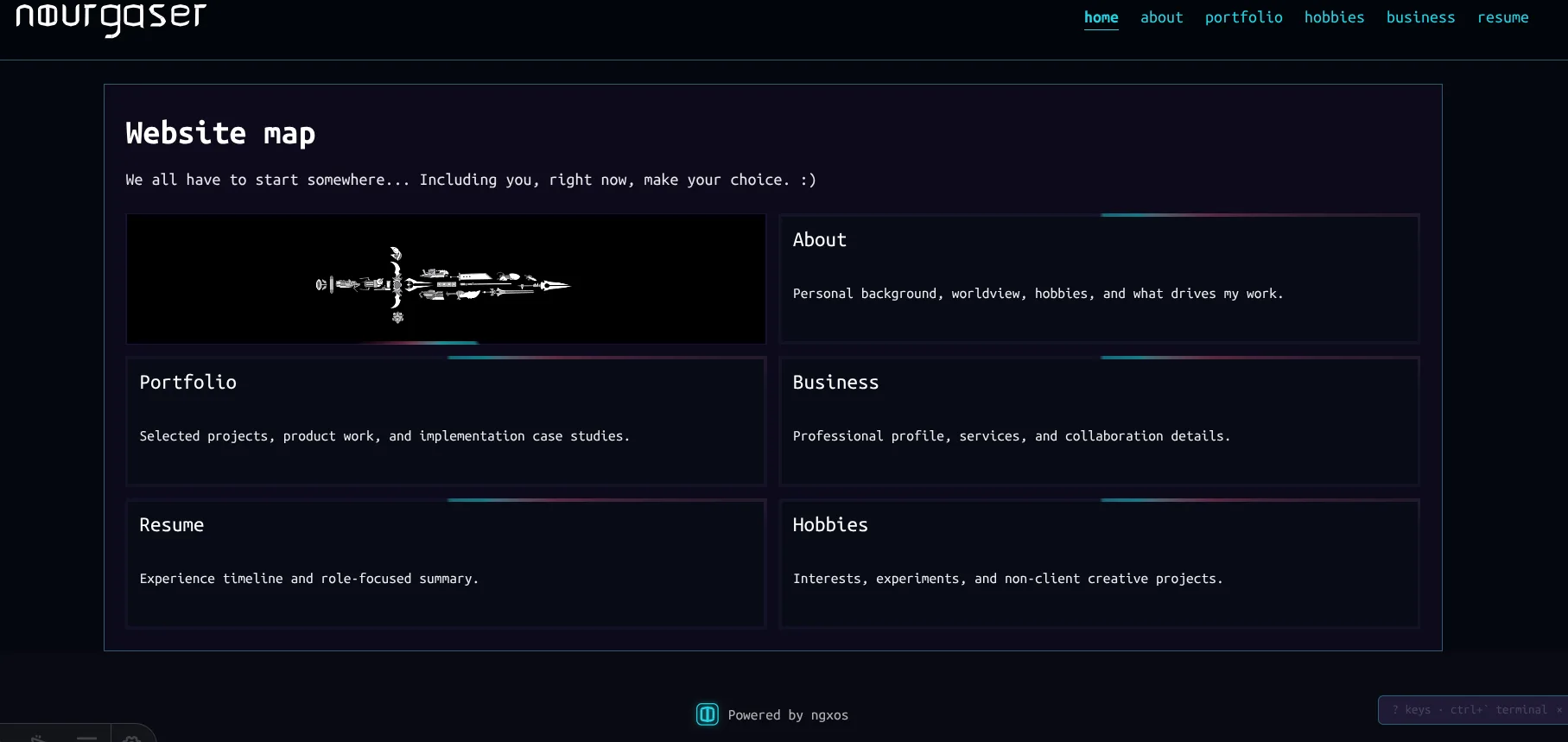
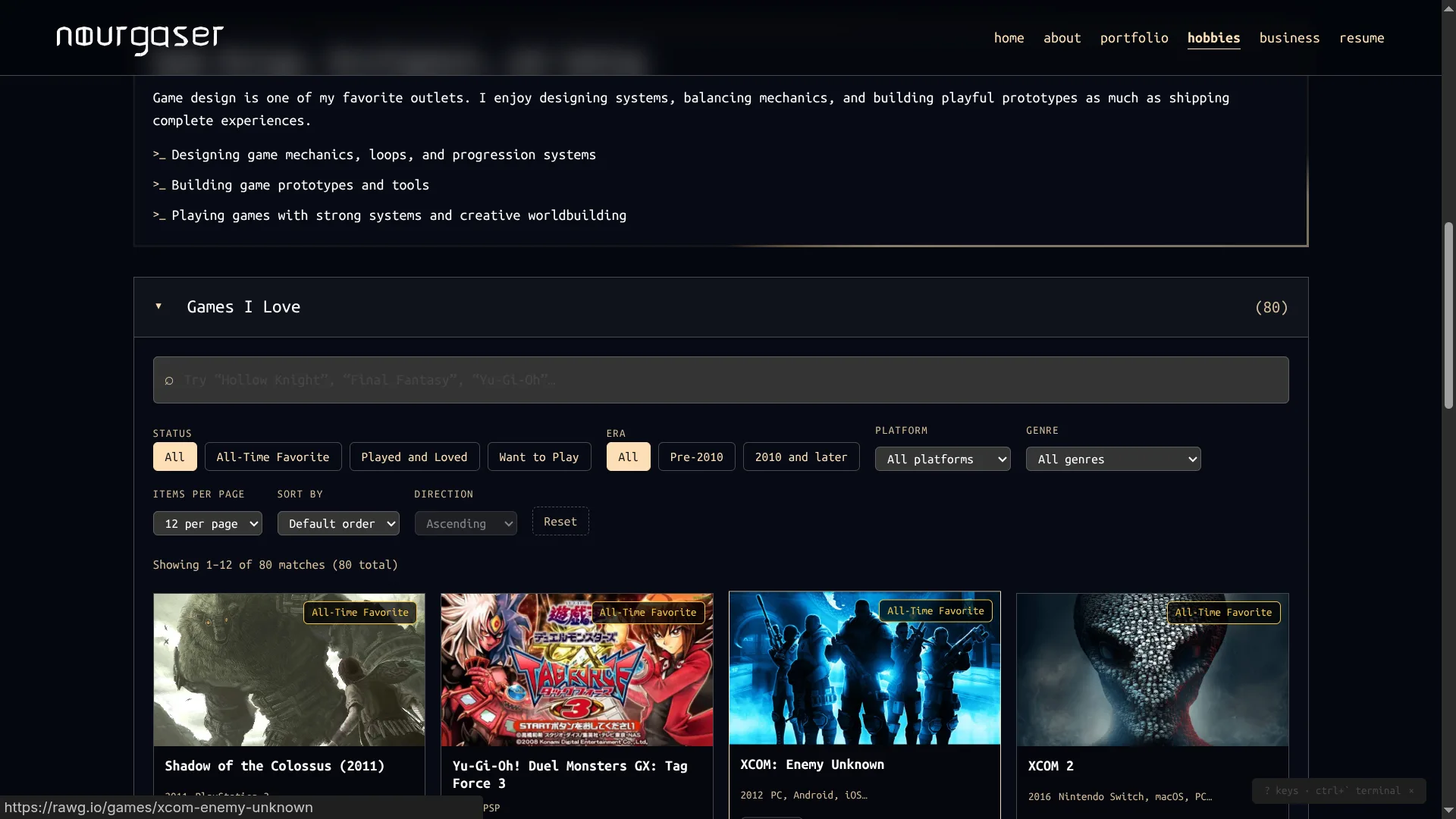
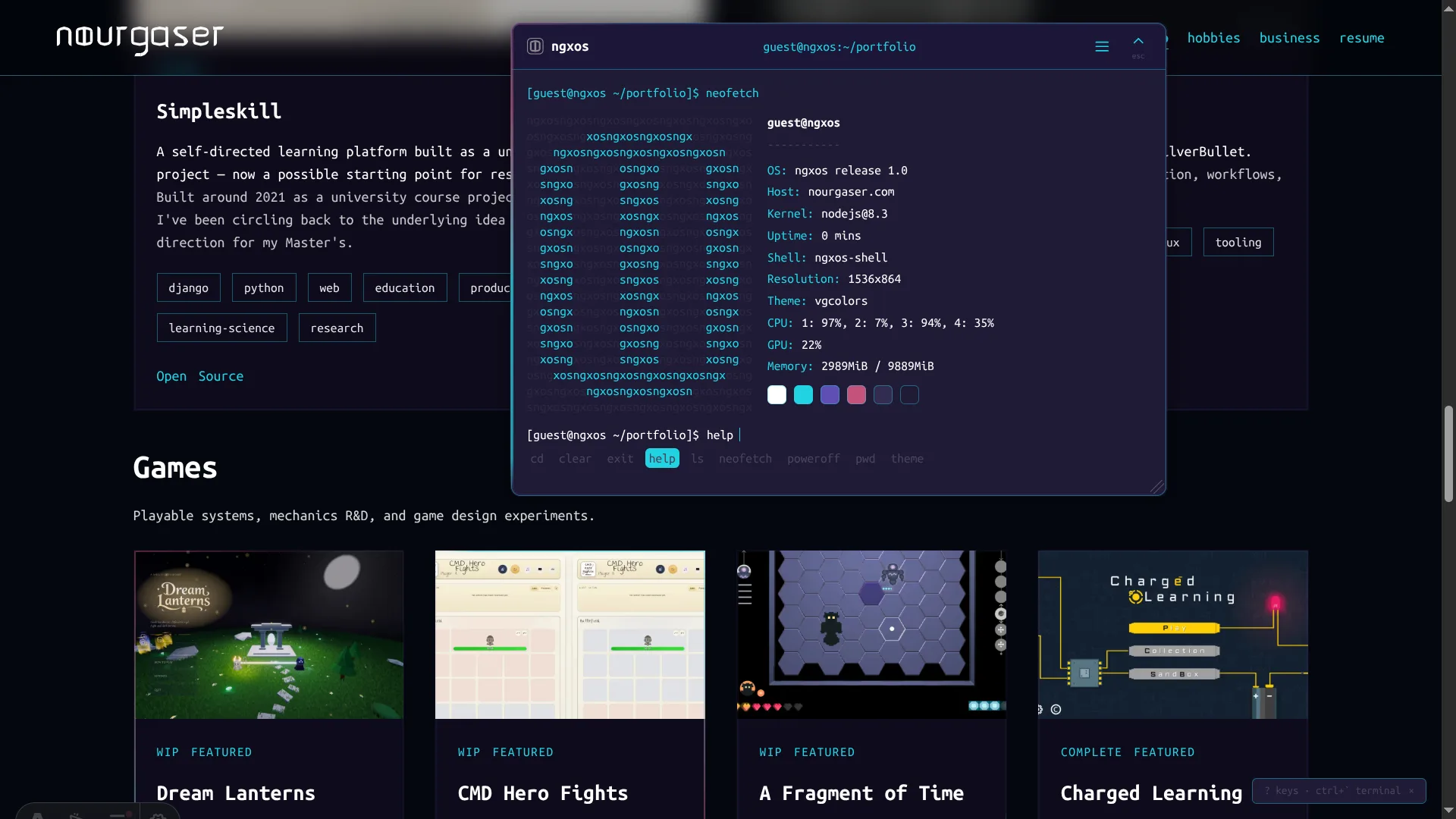
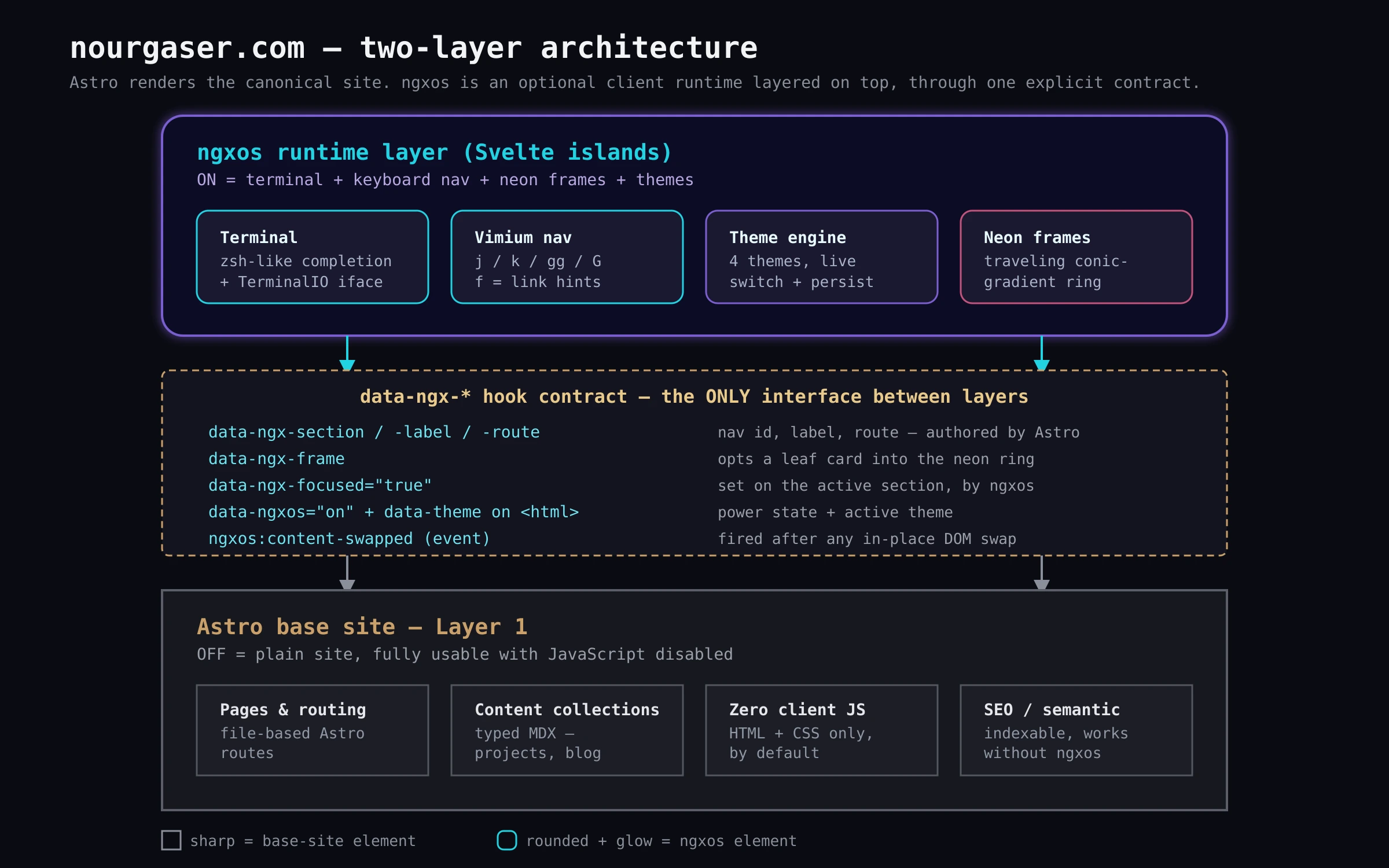
This is the site you’re reading right now, and it’s built as two layers stacked on top of each other. The layer you’re guaranteed to get is a deliberately old-school, nerdy static portfolio: Astro pages, typed MDX content collections, handwritten CSS with no UI framework underneath it. Turn JavaScript off entirely and nothing breaks — every page, nav link, and project write-up still works exactly the same.
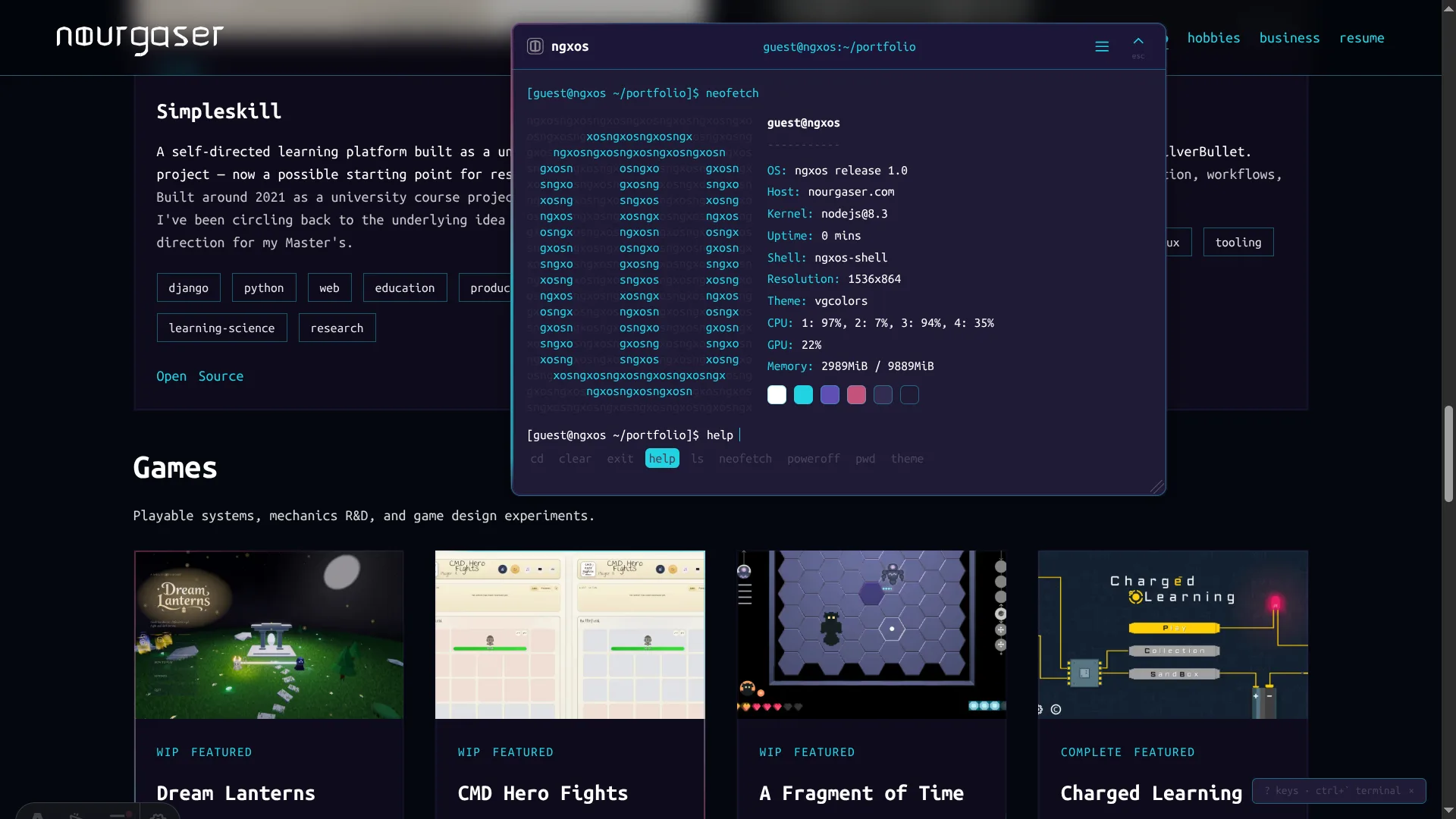
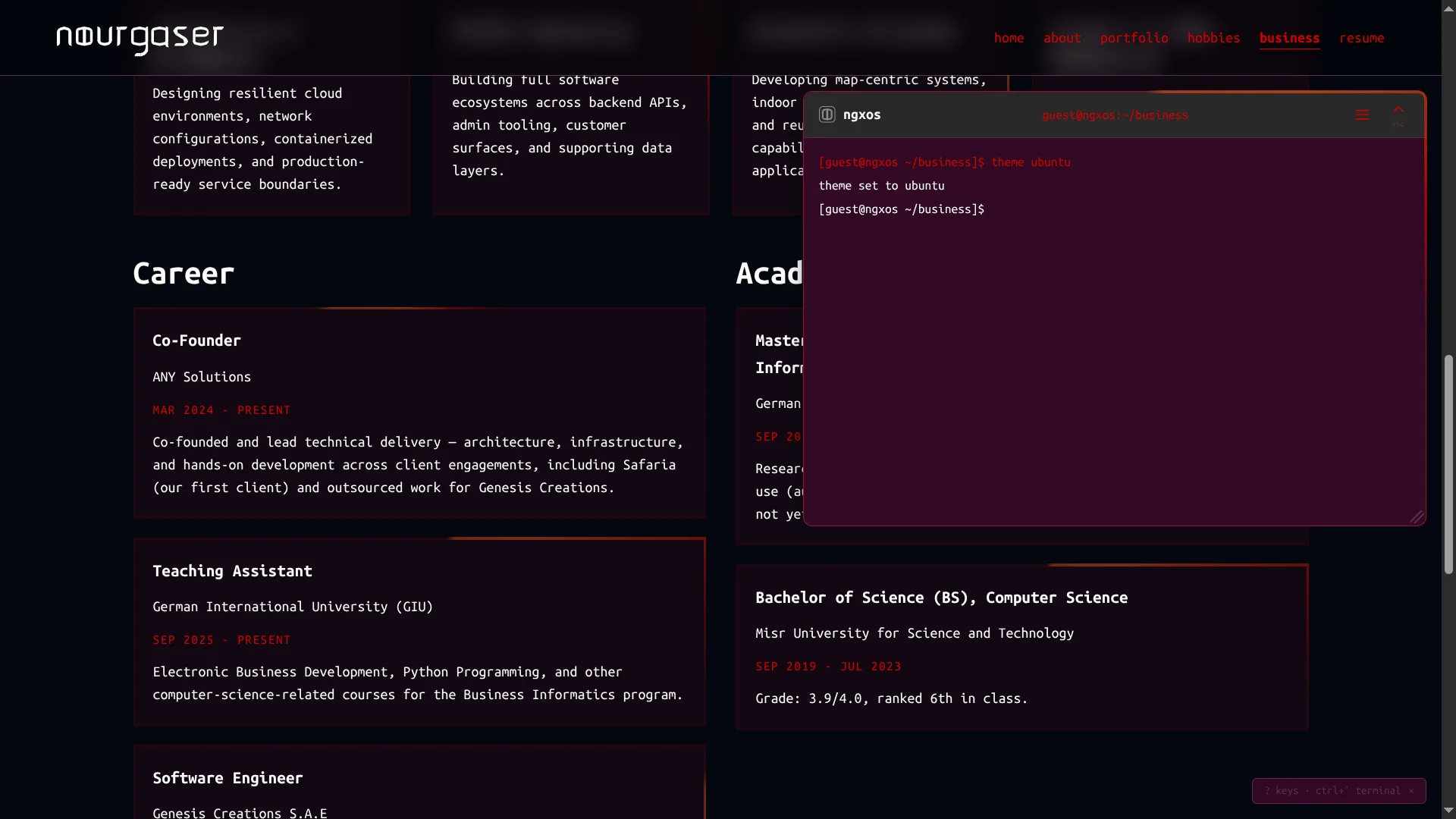
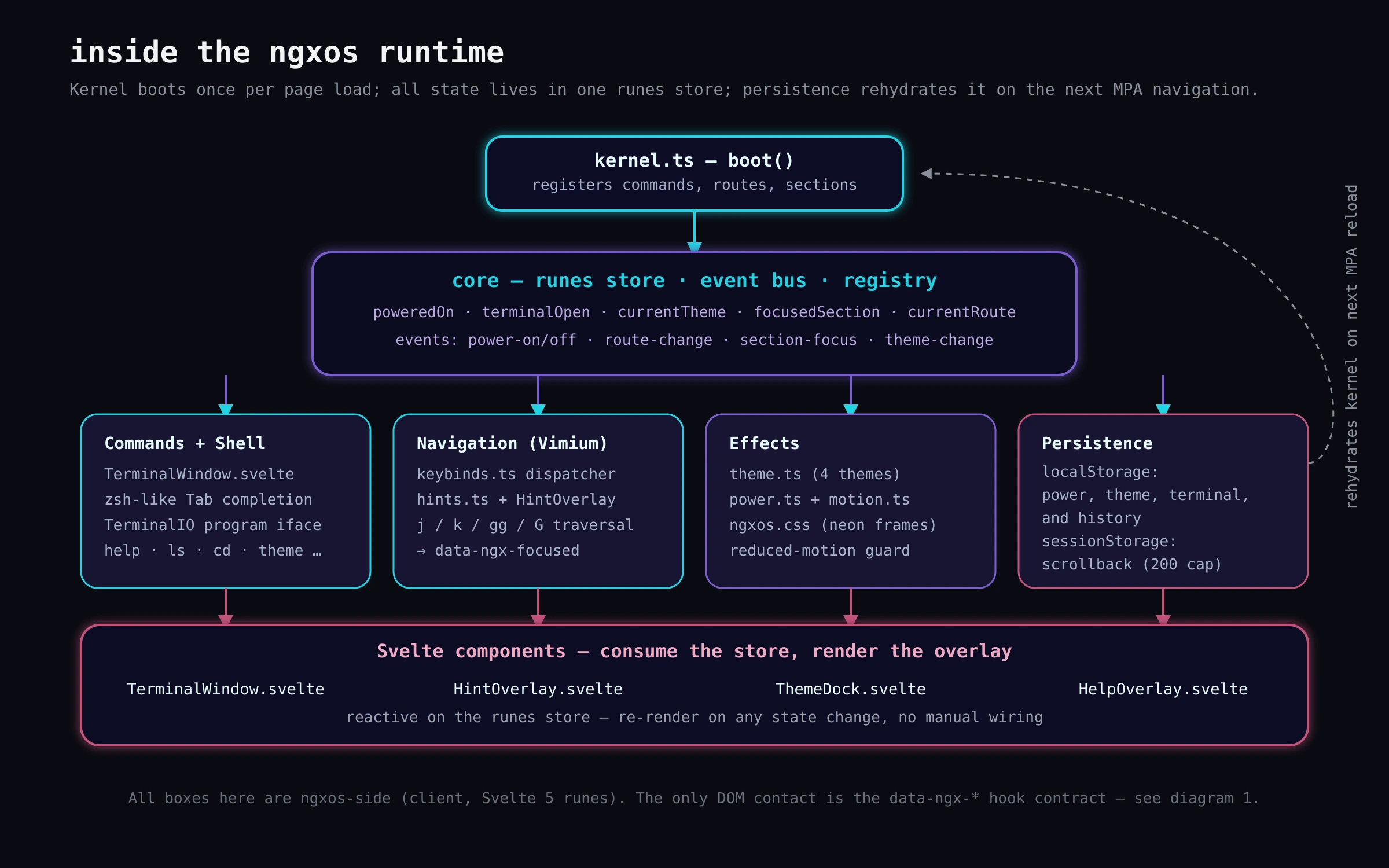
Layered on top is ngxos — a client-side runtime whose entire job is to haunt the base site once you power it on. Hit Ctrl+\`` (or click the shield in the footer) and the site turns into a terminal-driven, keyboard-navigable shell: a zsh-flavored terminal with real tab-completion, command history, and its own small VFS of real routes; Vimium-style j/k/gg/Gsection navigation andf` link-hints; four full themes you can switch live from the terminal or a swatch dock; and a traveling neon “activation frame” that quietly orbits every real content card, brightening on whichever section currently has keyboard focus.
The two halves only ever talk through one deliberately narrow contract: a handful of data-ngx-* attributes (section/label/route, frame, focused) plus data-ngxos + data-theme on <html> and a single content-swapped event. Astro authors the hooks; ngxos only ever reads and reacts to them — no DOM guessing, no fragile selectors reaching into page internals. That boundary is strict on purpose: keep it clean, and ngxos stays portable to a future rebuild of this site, or someone else’s, without a rewrite.
Stack is Bun + Astro for the site, Svelte 5 (runes, not classic stores) for the runtime, TypeScript throughout. All ngxos state — power, theme, terminal position/size, history — persists across ordinary full-page navigations via localStorage and sessionStorage, with a pre-paint inline script so there’s no flash of the wrong theme on reload. v1 is live and done. Next up: wiring a raw-input mode into the terminal so CMD Hero Fights, my other project living on this site, can eventually run inside it as a hidden easter egg.